Christ Presbyterian Church
Three Nashville congregations, each with its own pastor and pulpit, needed a website that let every campus run itself without splitting into three sites.
The challenge
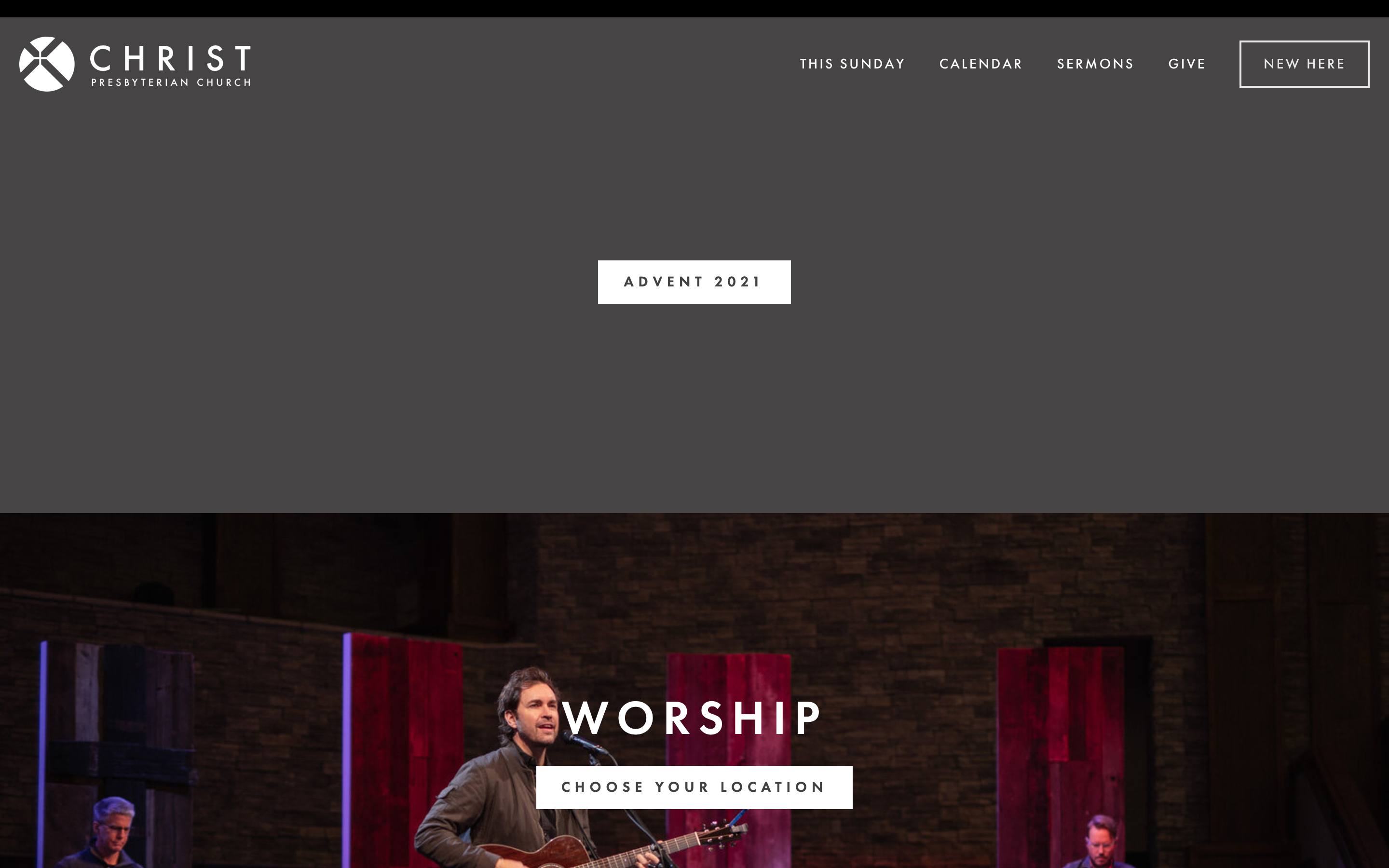
Christ Presbyterian, a PCA church in Nashville, had grown from one congregation into a family of campuses, each with its own pastor, live preaching, and local ministries. Its website hadn't kept up. The main site ran on Squarespace, sermons lived on a separate domain, and campuses had little room to show what made them distinct. In discovery, the church described its web presence as "mediocre at best" and said it needed to "honor the website more than we do as the true 'first front door' to our church." Newcomers couldn't find the basics, reaching a sermon took far too many clicks, and campus updates funneled through one central staff member.
What we built
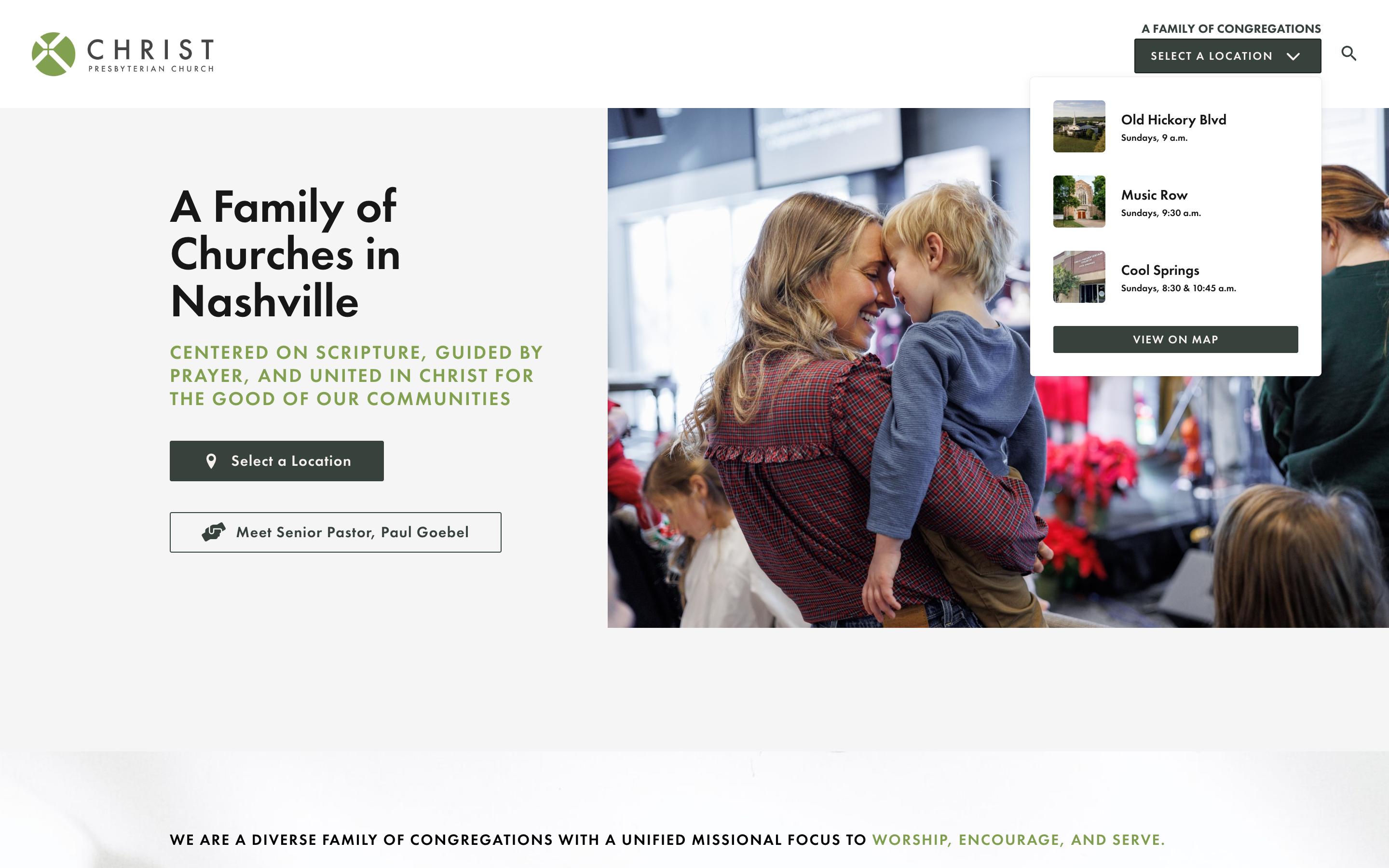
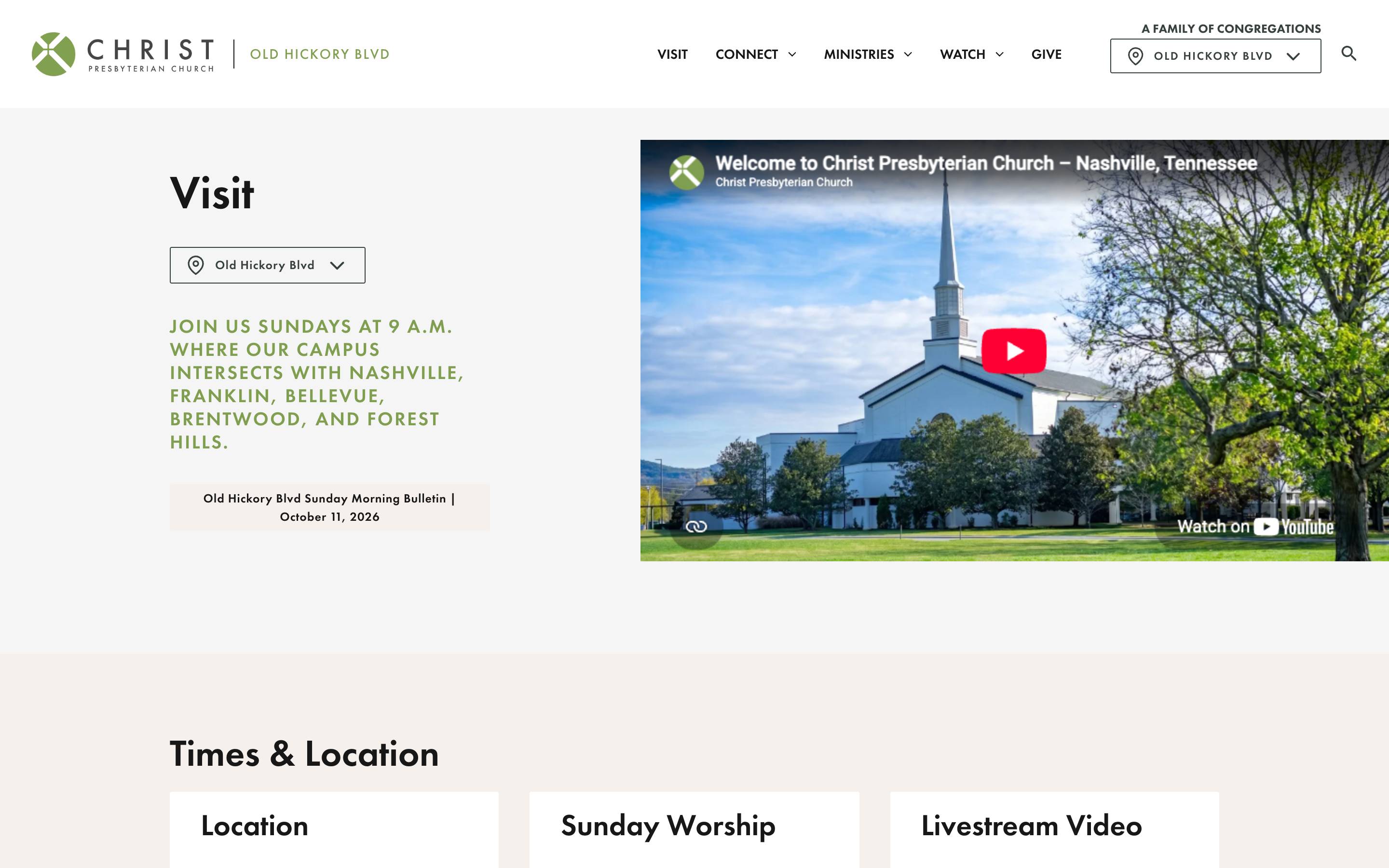
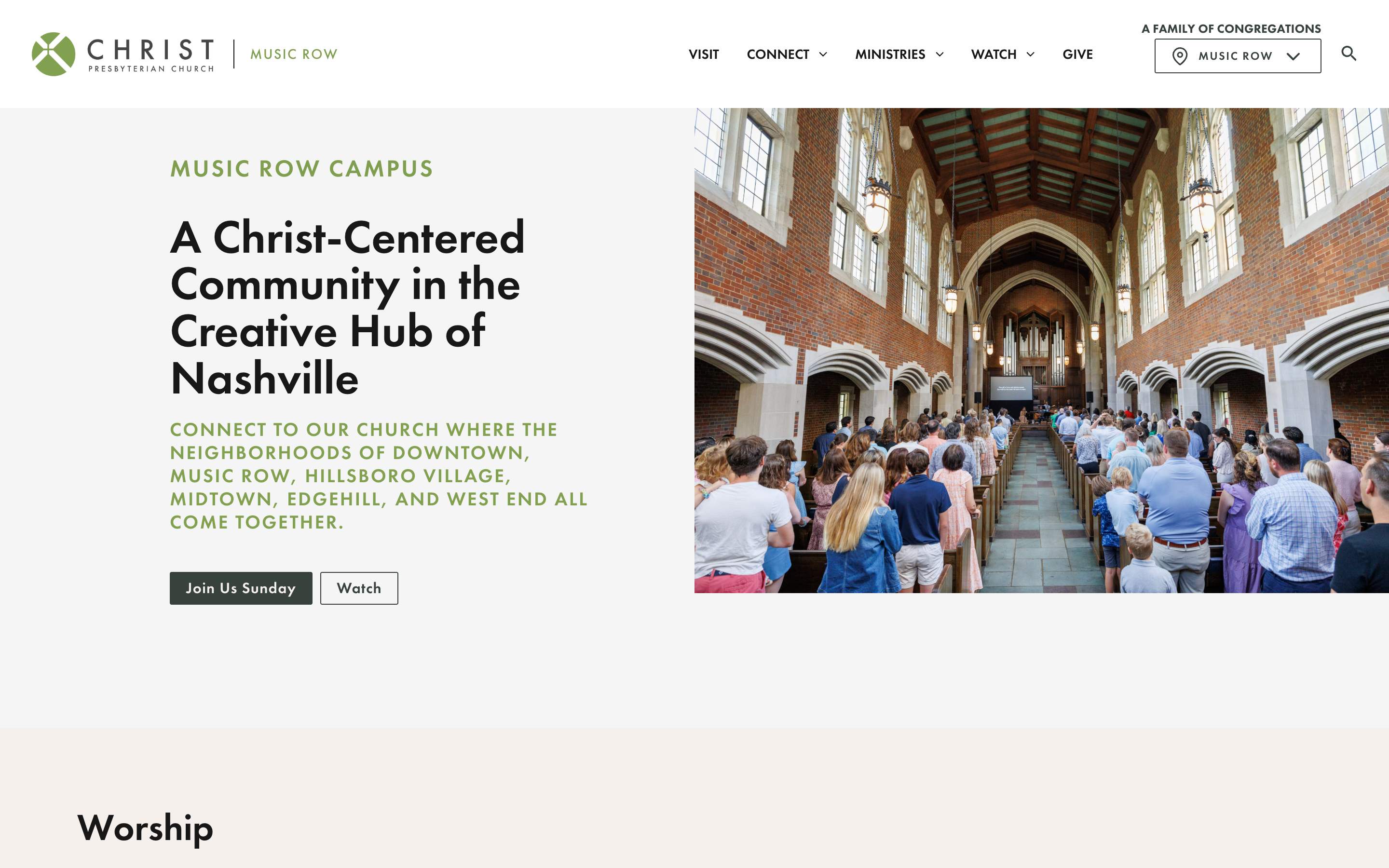
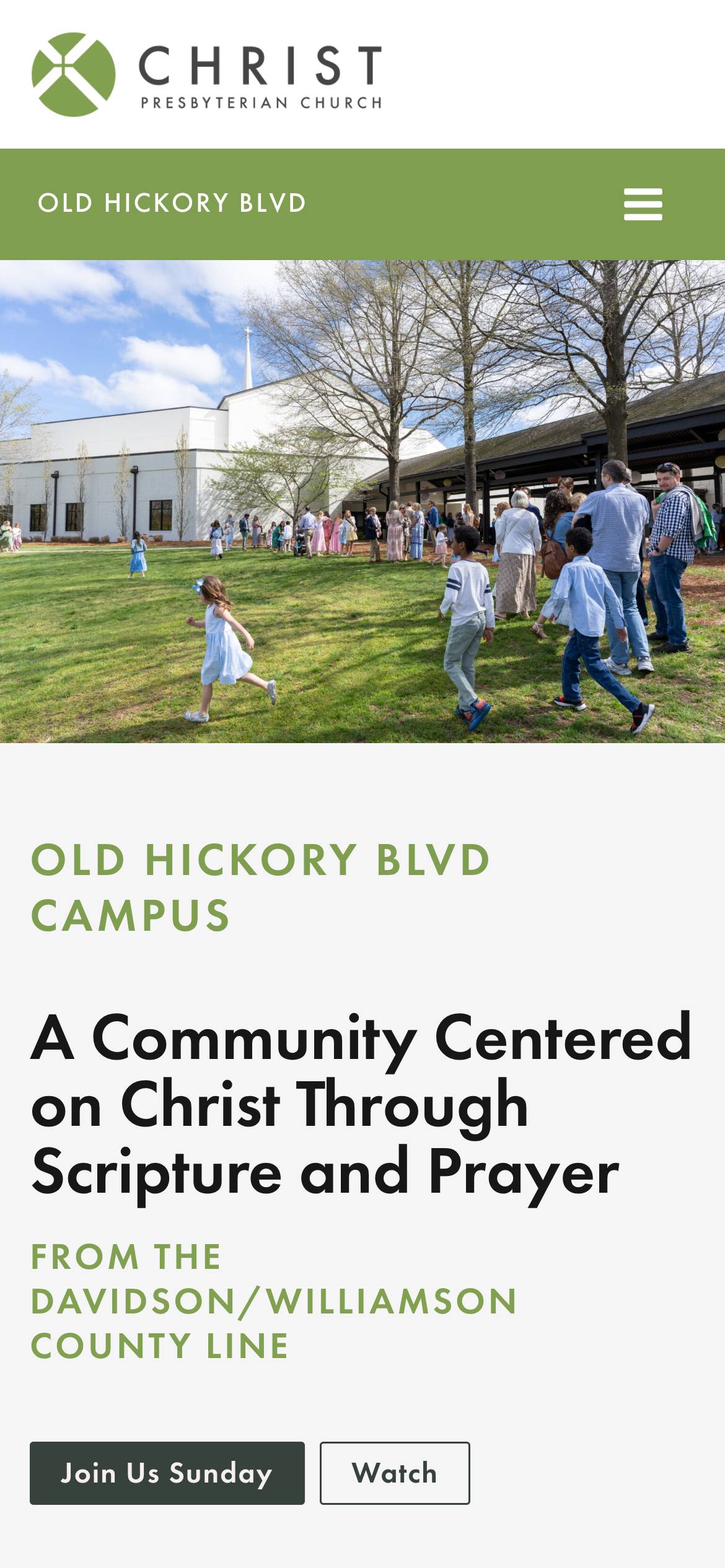
We built three campus sites inside one website. A light umbrella site introduces the church and routes visitors to a campus, and each campus gets its own homepage, navigation, sermons, events, and staff, while shared content lives in one place. Campus teams can edit their own campus without touching anyone else's. Since the 2022 launch, we've kept improving the site with the church's communications team.
- Discovery, multisite UX study, and a campus model chosen from four options.
- Campus sections with their own addresses (/ohb/, /musicrow/), sharing content managed once.
- Per-campus menus, footers, social links, and editor permissions.
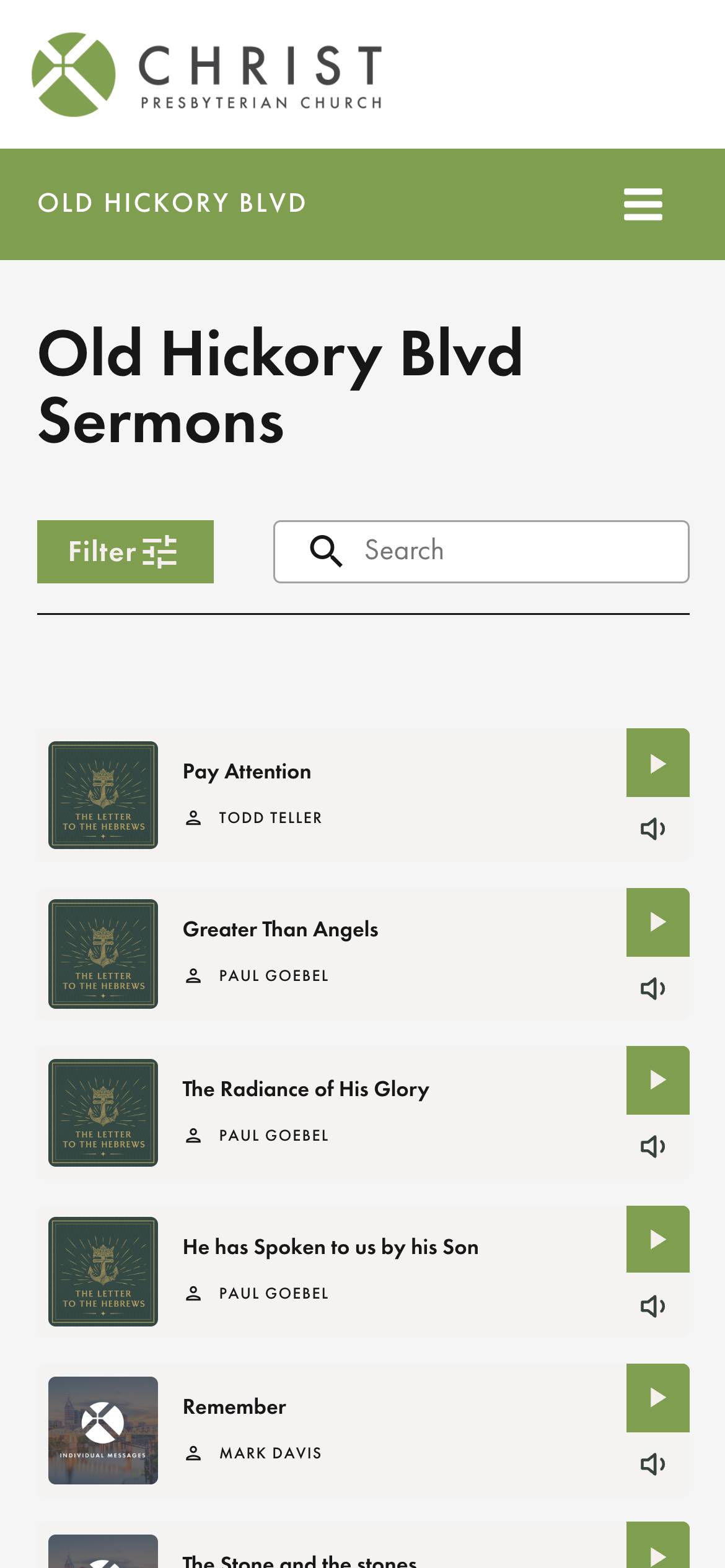
- One sermon library merged from a separate media domain, scoped to each campus.
- Automatic "We're Live" detection for each campus's YouTube channel.
- Campus-tagged events calendar with ministry filters.
Starting from a fragmented front door
Before we designed anything, we audited what was there. A crawl of the old site found 1,856 URLs, and we triaged 1,525 of them by traffic to decide what to keep, redirect, or drop. Sermons lived on a separate domain, organized by series and then by campus, with no way to search by keyword. Some pages sat so deep in the old navigation that visitors circled through landing pages without reaching what they came for.
We wrote personas for the people the site had to serve, from a family new to town to a shy single woman unsure where to start, along with the campus and central communications staff who would run it. Then we set plain rules for the new site: answers within one to three clicks, three to five navigation options (six at most), and mobile first.
Choosing how the campuses relate
Christ Presbyterian's campuses share a brand and vision, but each has its own pastor, live preaching, and real autonomy. In discovery, we summed up the model as freedom within a framework. That made the campus model the biggest decision on the project.
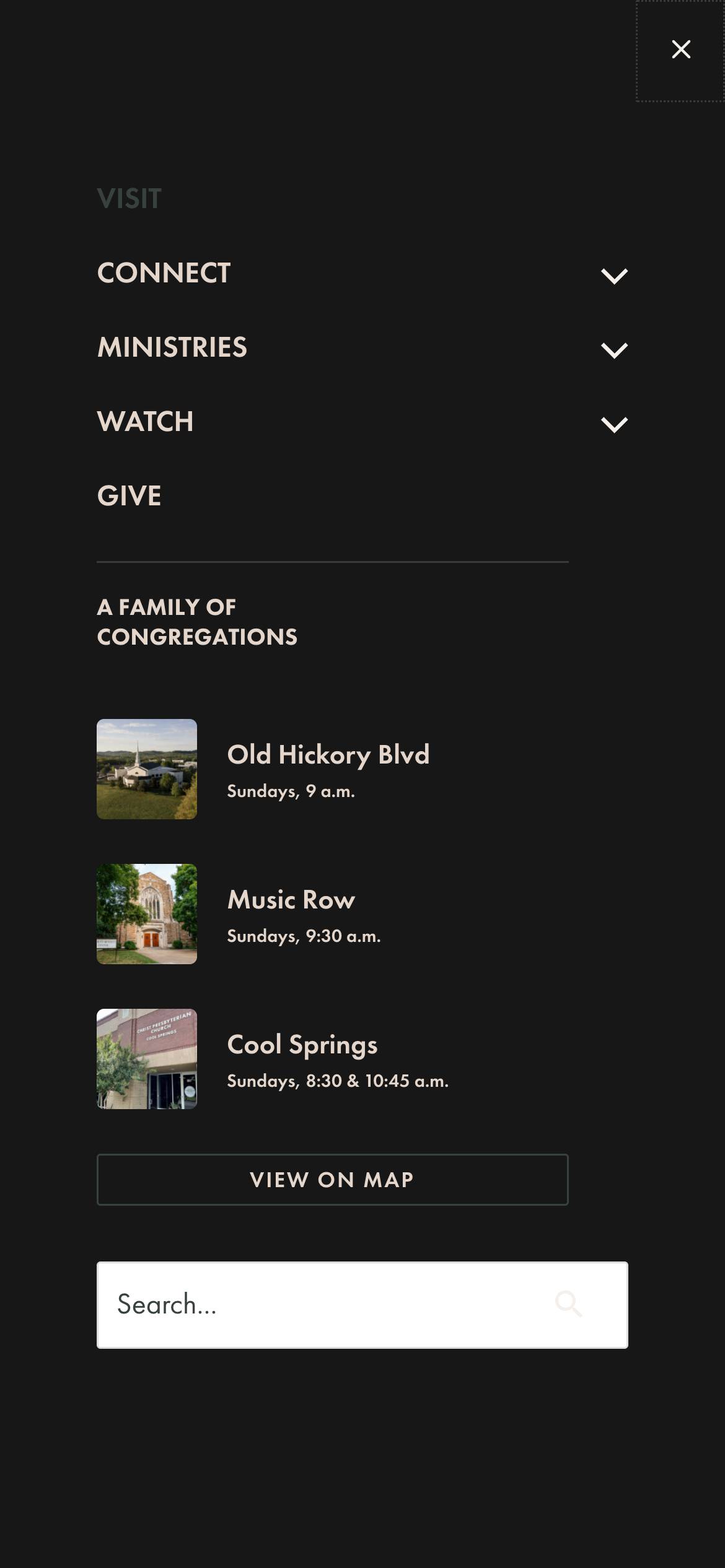
In a multisite UX study, we walked the team through four models: a single page per campus, campus pages with sub-pages, a site within a site, and a context-switching site. A context-switching site, where one set of pages reshapes itself around the chosen campus, suits campuses that run the same programs. Christ Presbyterian's don't: each campus has its own pastor and live preaching, and runs its own ministries. So we recommended a light umbrella site whose only job is to introduce the church and route visitors to a campus, with each campus behaving like its own site. Campus navigation stays to a few single words: Visit, Connect, Ministries, Watch, and Give.
Three campus sites, one website
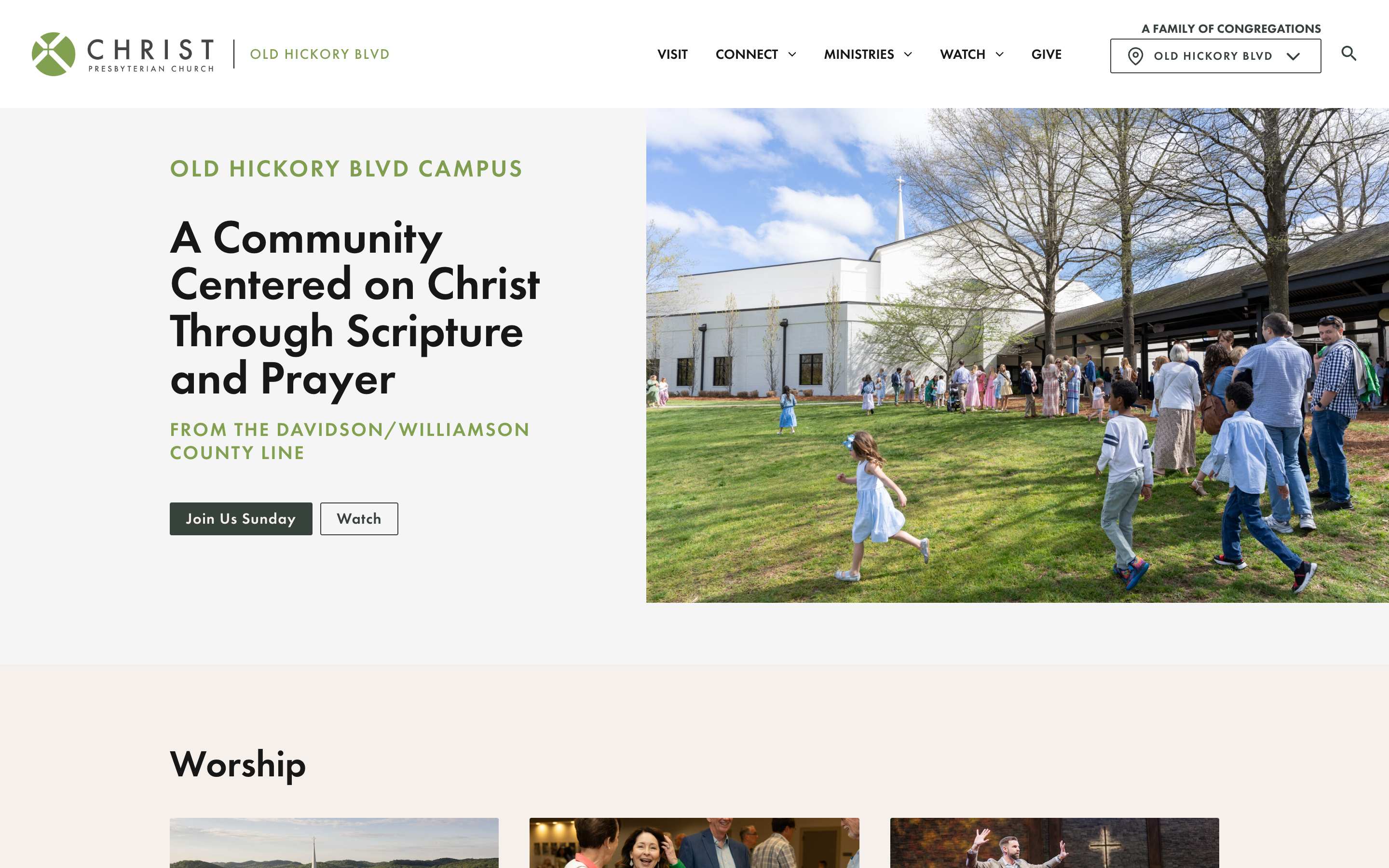
Running three separate websites would mean editing every shared page, from beliefs to giving, three times and watching them drift apart. Running one generic site would make the campuses disappear. We built the middle path on CP Locations, our ChurchPlugins locations plugin: campus sections inside a single WordPress site. Every campus has its own address, like /ohb/ or /musicrow/, and pages, sermons, events, and staff are tagged by campus. A visitor on a campus sees that campus's content plus anything tagged for the whole church, so shared pages are written once and appear everywhere.
The site reads the campus from the address before WordPress handles the request, so /ohb/events/ is simply the events page, scoped to Old Hickory Blvd. Two campuses can each have their own version of the same page, with the church-wide version as a fallback, and links keep visitors inside the campus they chose. If a site change ever breaks a campus address, the site rebuilds its routes and retries on its own. Underneath, there is one database, one login, and one set of templates.
Shortly before launch, Koinonia, the fourth campus, was approved to become a standalone church. We wrote scripts to pull its content out of the shared site while keeping everything the campuses shared, and christpres.org launched with three campuses in August 2022.
Each campus team runs its own campus
Before, campus updates went through one person editing Squarespace on everyone's behalf. Now campus staff can edit their own campus directly. Editors can only change sermons, events, and pages tagged for the campuses they're assigned to, and the site enforces that on the server, not just in the editor. The sermon editor won't publish until speaker, series, and campus are filled in, and editors who serve one campus have it selected for them.
Pages are built in Beaver Builder from ready-made layouts, with brand colors and fonts built in and core layouts locked. Before launch, we recorded a library of short how-to videos so the team could build and edit pages on their own. Key pages like Visit and Connect include a campus switcher that jumps to another campus's version of the same page.
Sermons and live services for every campus
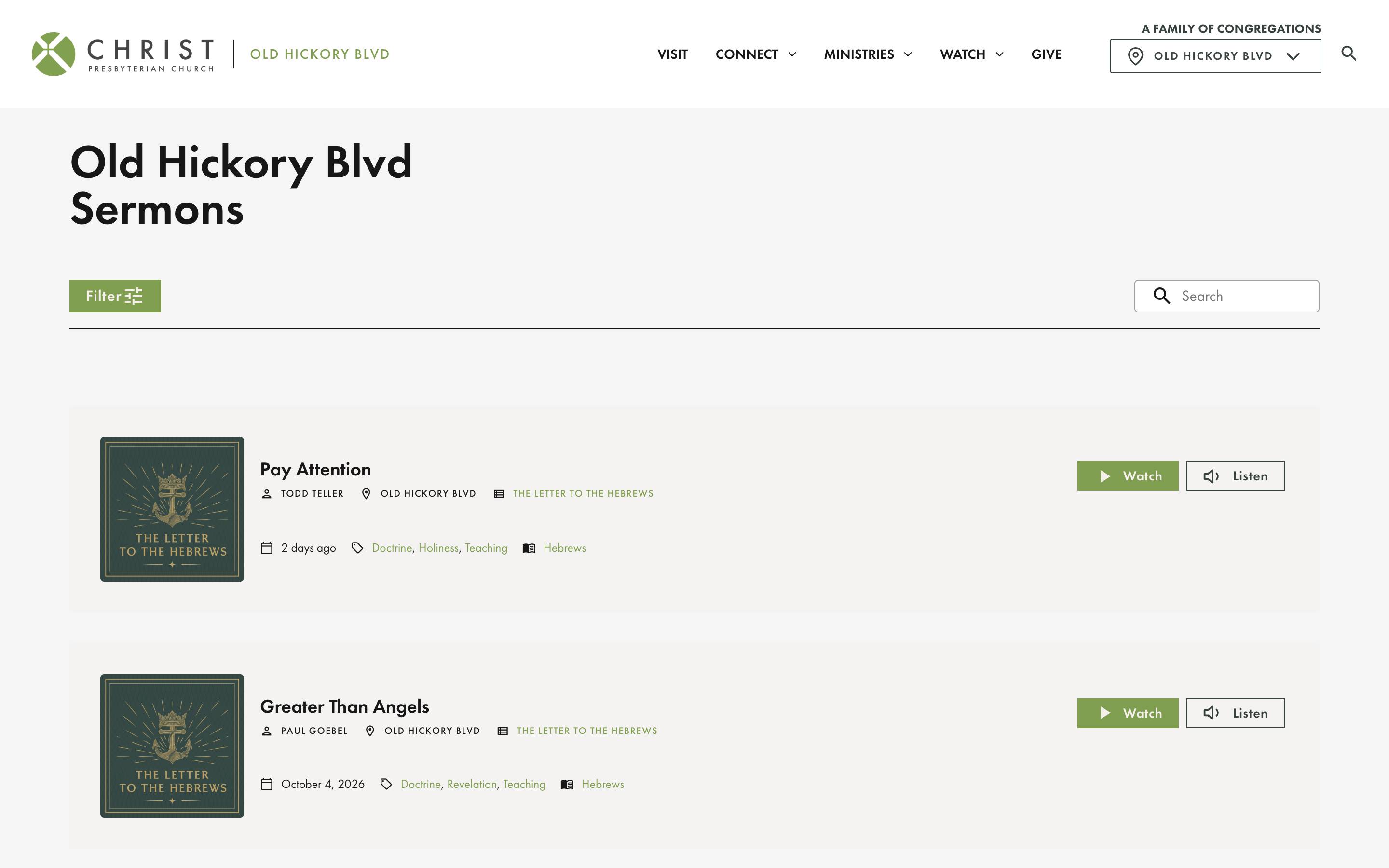
We brought the sermon archive from its separate domain, more than 70 series going back to about 2016, into one library on the main site. Visitors can browse a campus's sermons or the whole archive, search by keyword, and filter by speaker, topic, scripture, service type, and year, then watch or listen. Each series also has its own page.
Services are streamed on YouTube, so we built automatic live detection. Every campus stores its YouTube channel and service times, and the site checks for a live stream every two minutes, but only from eight minutes before to twelve minutes after each service time. That keeps YouTube API usage low while the "We're Live" buttons switch on by themselves. We later built the same pattern into CP Live, one of our ChurchPlugins products, and the site now runs on it.
Four years of steady improvements
Since launch, we've kept working with Christ Presbyterian's communications team, now in monthly sprints, and the site has grown without a redesign. Highlights include:
- Groups from Church Community Builder. At Music Row, ministry leaders create a group in CCB and it appears on the website without going through the communications office.
- A job board fed live from the church's recruiting system, with department and location filters.
- A brand voice and tone guide, which an intern used to write bios for more than 60 mission partners.
- Searchable descriptions for 12,153 photos in the church's photo library, so staff can find images by keyword.
- A "sermon start" link that jumps viewers from the full service video straight to the sermon.
- SEO cleanup, including clearer page titles, image alt text, and redirects for a site-wide rename from "students" to "youth."
"I highly recommend Mission Lab for their professional and intuitive approach to building our church website. Our new website effectively represents our church’s shared values and mission while also allowing each campus to demonstrate what makes them unique. Their innovative approach to multi-campus content and sermon management solved a major pain point and made it easy for our congregations to navigate and find the information they need."
Explore another project.


Want a site your whole church will use?
Start with the free church website report, or get a free review of your current site.